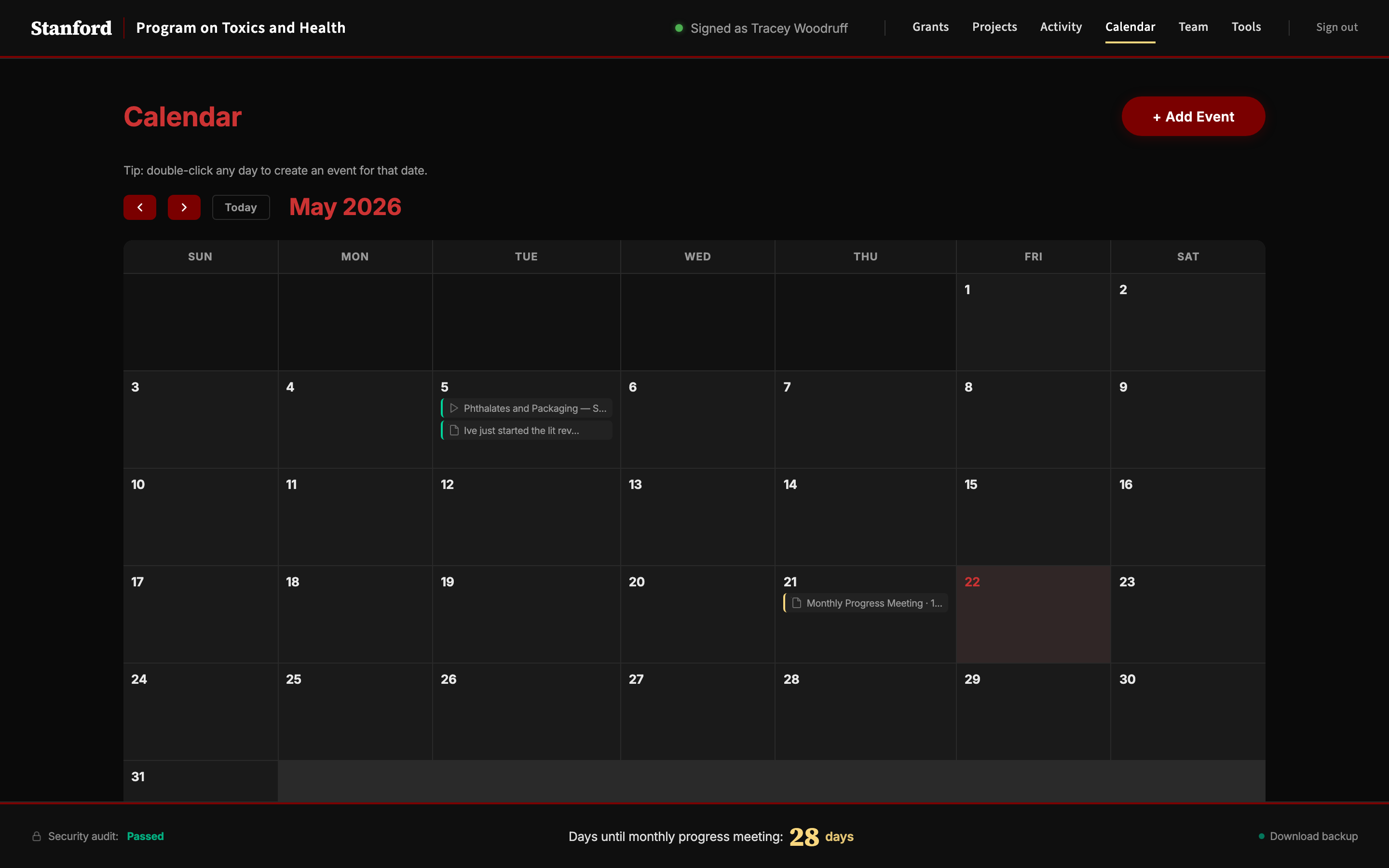
woodrufflab:members SUNet Workgroup.Tip: double-click any day to create an event for that date.
How should we expand our search? Type what you want the checker to track — one per line. Examples that work:
These queries are polled from Google News every two hours. Remove any that produce noise.
Why isn't this a good match? A few words help the checker learn. Totally optional.
Pick where this mention belongs: a specific project, the lab in general (a deliberate "lab-wide" tag), or leave it unlinked to keep it in the review queue. Optionally also tag it to a grant — useful for pre-award press hits with no project yet.
Pick from the Team page. If you're not listed, tick Other and add a name.
Pick a team member. If they're not listed, tick Other and type a name.
Loading…
.zip from the Backup modal — it carries the database, every uploaded file, and a manifest the server uses to verify the restore. (For older backups taken as separate .db + uploads .zip files, use the legacy split form below.) Everything not in the file you provide will be lost. Use this only to recover from a real incident.
.db + uploads .zip.db (required) and the uploads .zip (optional) separately.
External API keys used by the Tools page. Keys pasted here take precedence over Railway environment variables and are stored in the database — they travel with .db backups, so rotate after sharing a backup externally.
Deployment diagnostics + data-integrity report. Use this to verify a migration before cutting over DNS, or to find broken upload references.
Deleted records kept with a full snapshot. Click Put back to restore one exactly as it was — it doesn't affect anything else.
Track any presentation, media mention, paper, public comment, or meeting. Pick the kind below — the form adapts to what's relevant.
Format: YEAR-RANGE ORGANIZATION TYPE (e.g. 2024-2026 NIH SR, 2025-2028 EPA RCT).
Track grants from exploration through to award.
Add one or more. The first row defaults to PI; subsequent rows default to Co-PI. MPI for multi-PI of record structures.
Numbered sub-goals of the grant. Up to about 20 words each. Projects can then be linked to specific aims.
Grant lifecycle traincars (Concept → LOI → Proposal Draft → DoR Review → SERA / SPO Submission → Sponsor Review → Award → Reporting → Close-out). Pick Other… to add a stage your grant needs that isn't on this list.
Each event you add here will be created on the team calendar.
Required. Even a short note keeps the grant's detail drawer reachable so you can attach Box links later.
Pick from grants added in the Grants tab. Not listed? Tick Other and add a name.
Choose from the org chart. Not on the team? Tick Other and add a name.
Tick tags already in use across the lab, and/or tick Other… to add a brand-new one.
Tick everyone whose input is sought for this project. Multiple consulted people are allowed.
Drag to reposition. Use the slider to zoom.
One .zip bundles the database, every uploaded file, and a manifest with row counts so a restore can be verified. This is the recommended backup format.
Pick from existing tags, or use Other to type a new one (e.g. "Microplastics"). Filtering on the Projects page uses these.
Status determines the project's color on the dashboard.
Pick from grants you've already added, or tick Other to type a new one.
Paste a Box file or folder URL for project documents. You can add more links later.
Pick the one person doing the work and the one person whose input you need. Per-stage assignments live on the pipeline below.
Pick everyone whose input is sought.
Drag building blocks from the bank into the chain to model your research workflow. Each block represents a phase — set its duration and assign people. Block widths reflect time allocated, and progress on the project card is computed from completed blocks.
Project:
Project:
Pick your name and we'll personalize the dashboard for you. We use this for things like attribution on updates, and so the site remembers what you've seen.
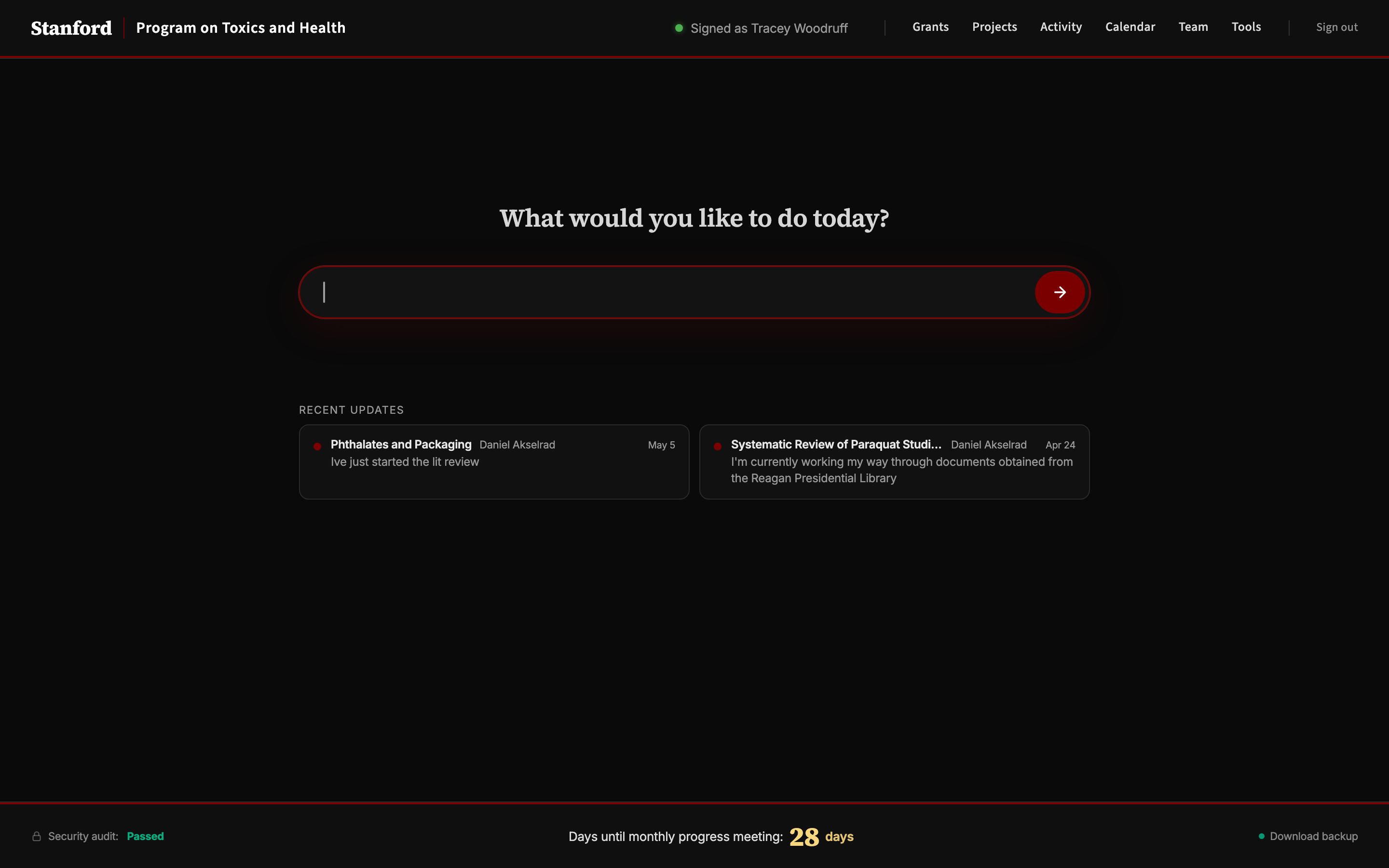
Your dashboard. The bar at the top routes you anywhere in plain English — try "add a project called Phthalates", "log a mention from NPR", or "what is Daniel working on?". Recent updates from the lab appear below the bar.
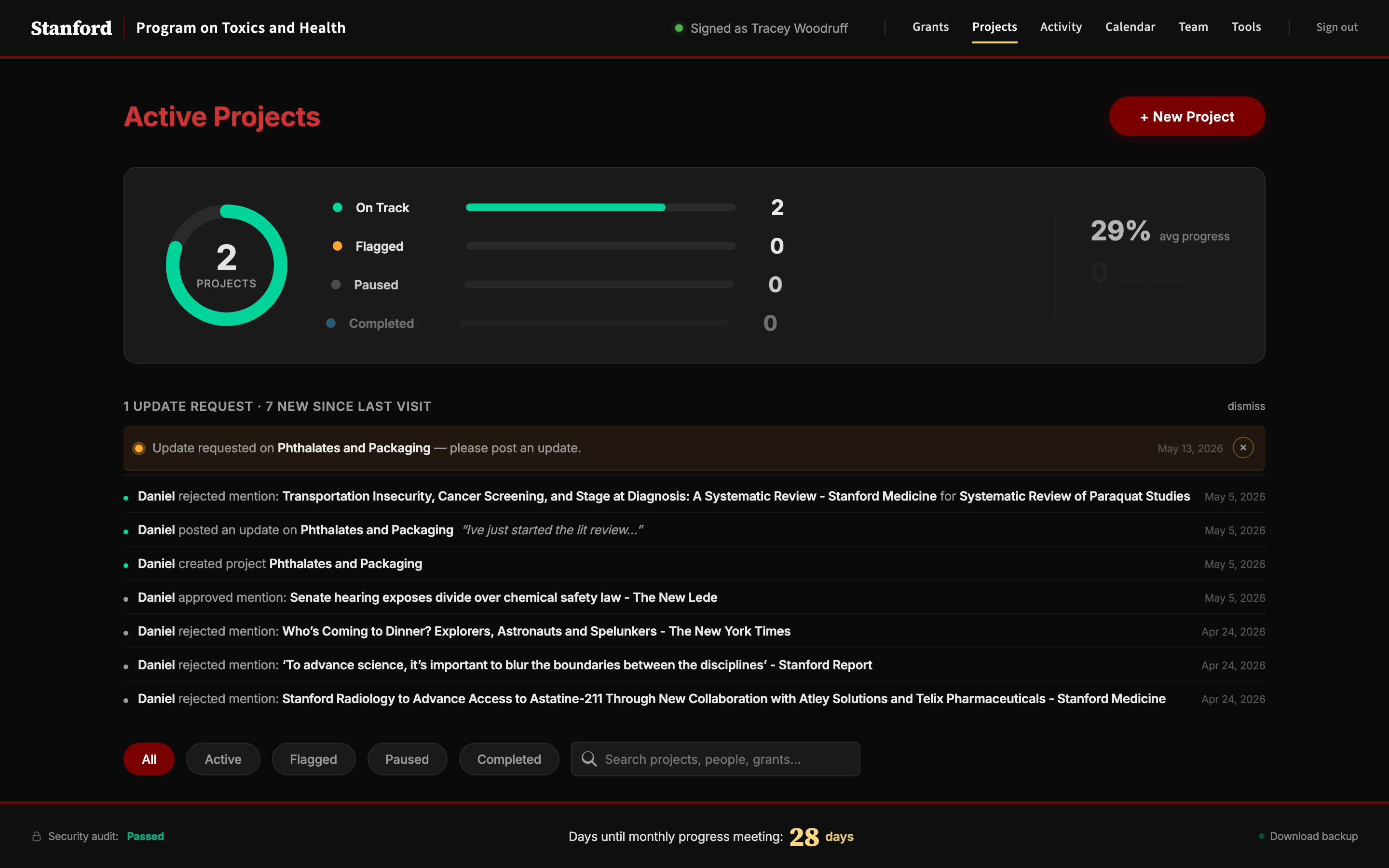
Every active research project lives here, with its pipeline of stages, its responsible/consulted people, and a feed of approved updates and tracked media mentions. Click a project card to expand it.

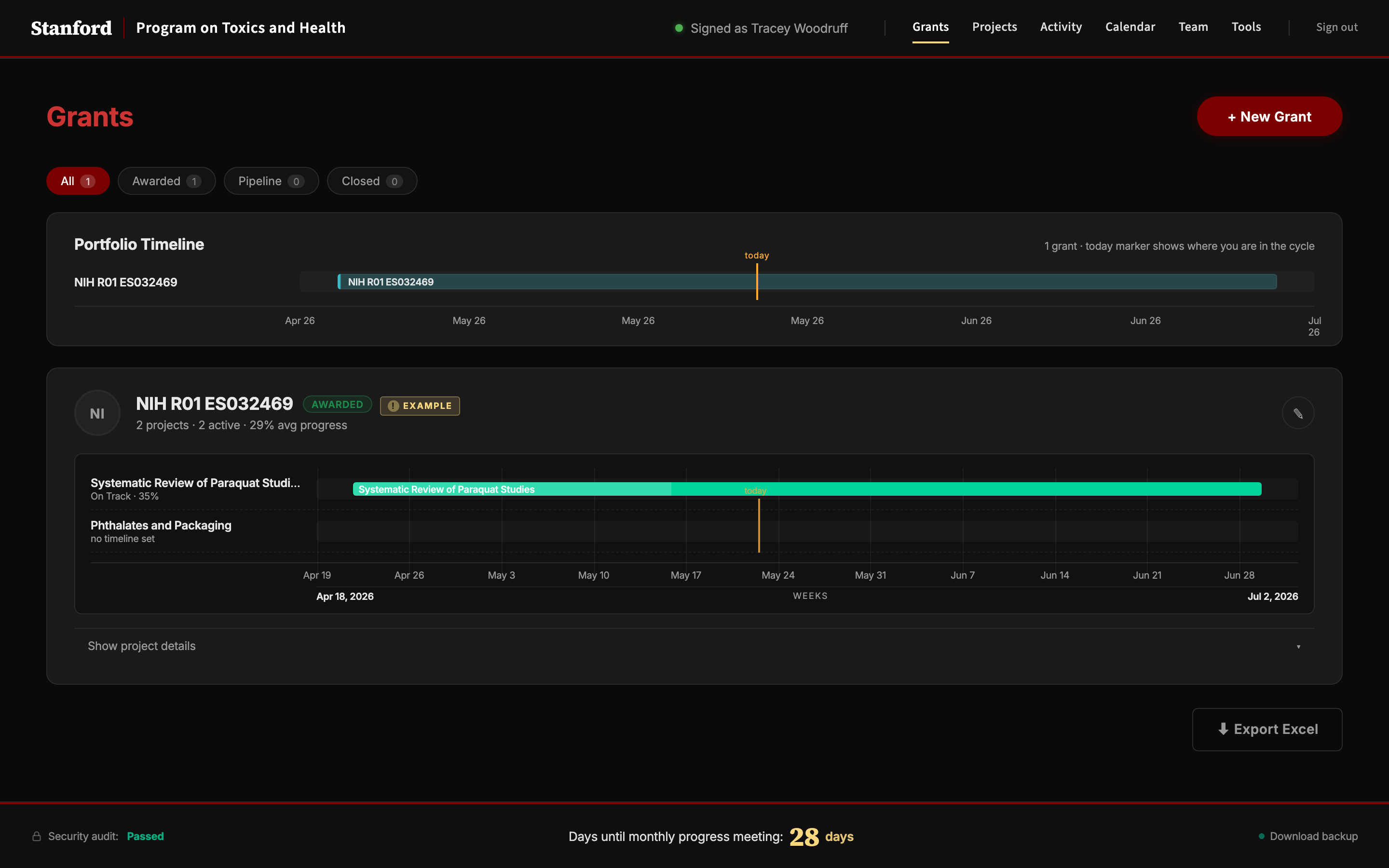
Each grant gets a Gantt view of the projects it funds. The PI can see at a glance where the gaps are — empty stretches on the timeline are opportunities to add new projects within the grant's funding window.
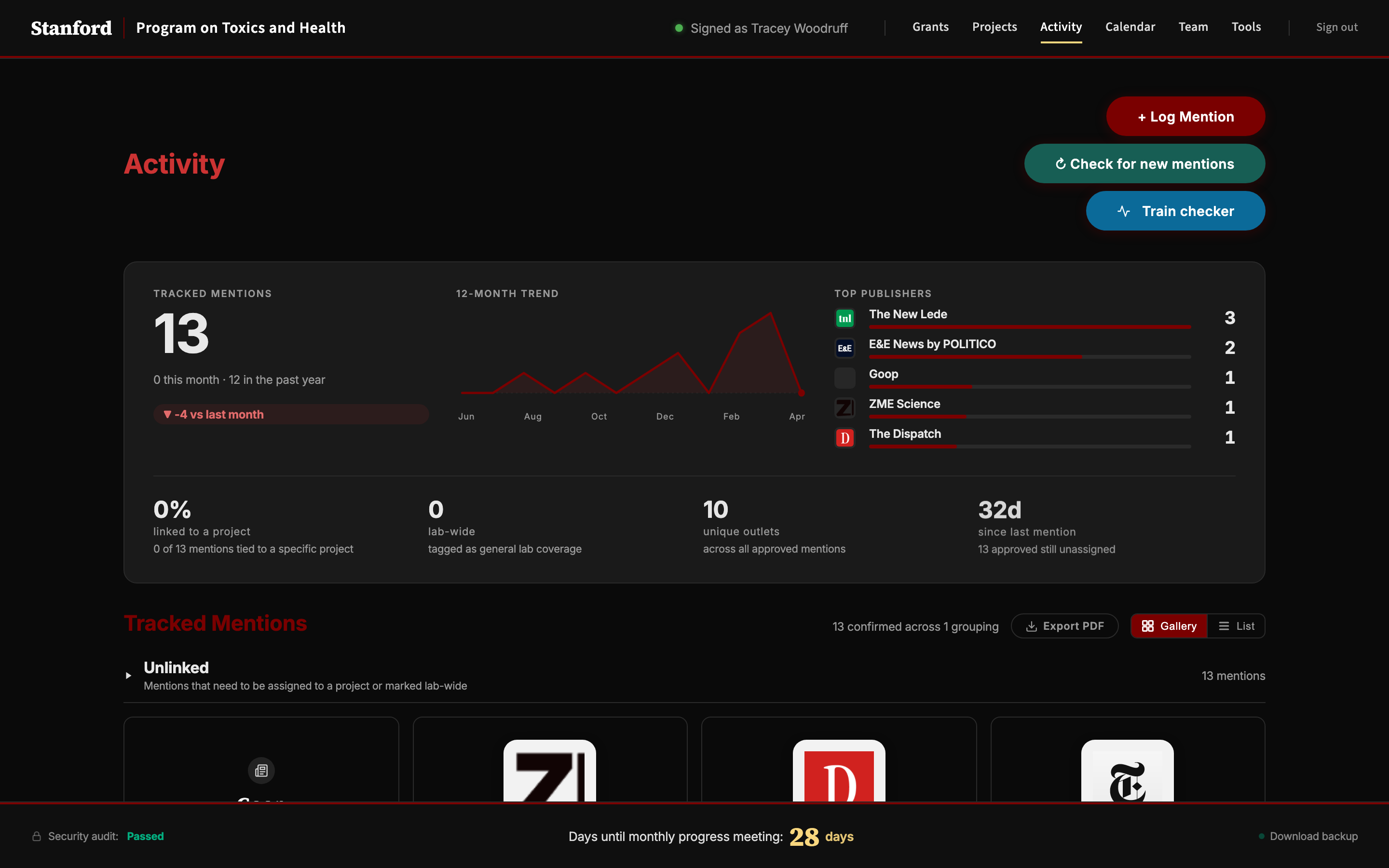
Approved media mentions and coverage of the lab's work — with a 12-month trend, top publishers, and per-mention provenance. You can also log a new mention here, or generate a PDF report.
Lab meetings, deadlines, and travel — color-coded by category. Click any day to add an event; click an existing event to edit it.
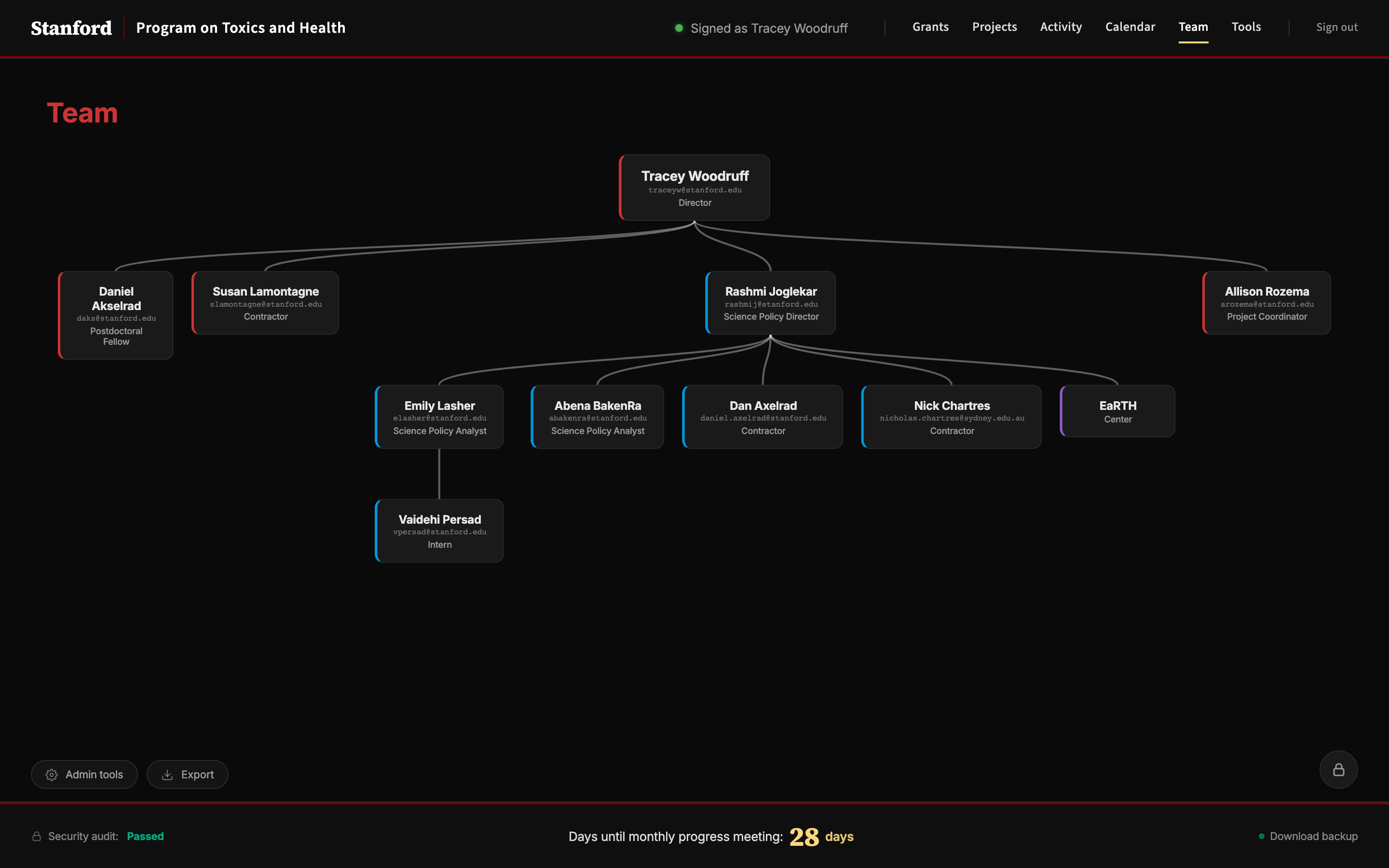
The lab's organizational chart as the team understands it. Click any person to see which projects and grants they're tagged into. Lab admins can add or edit team members from here.
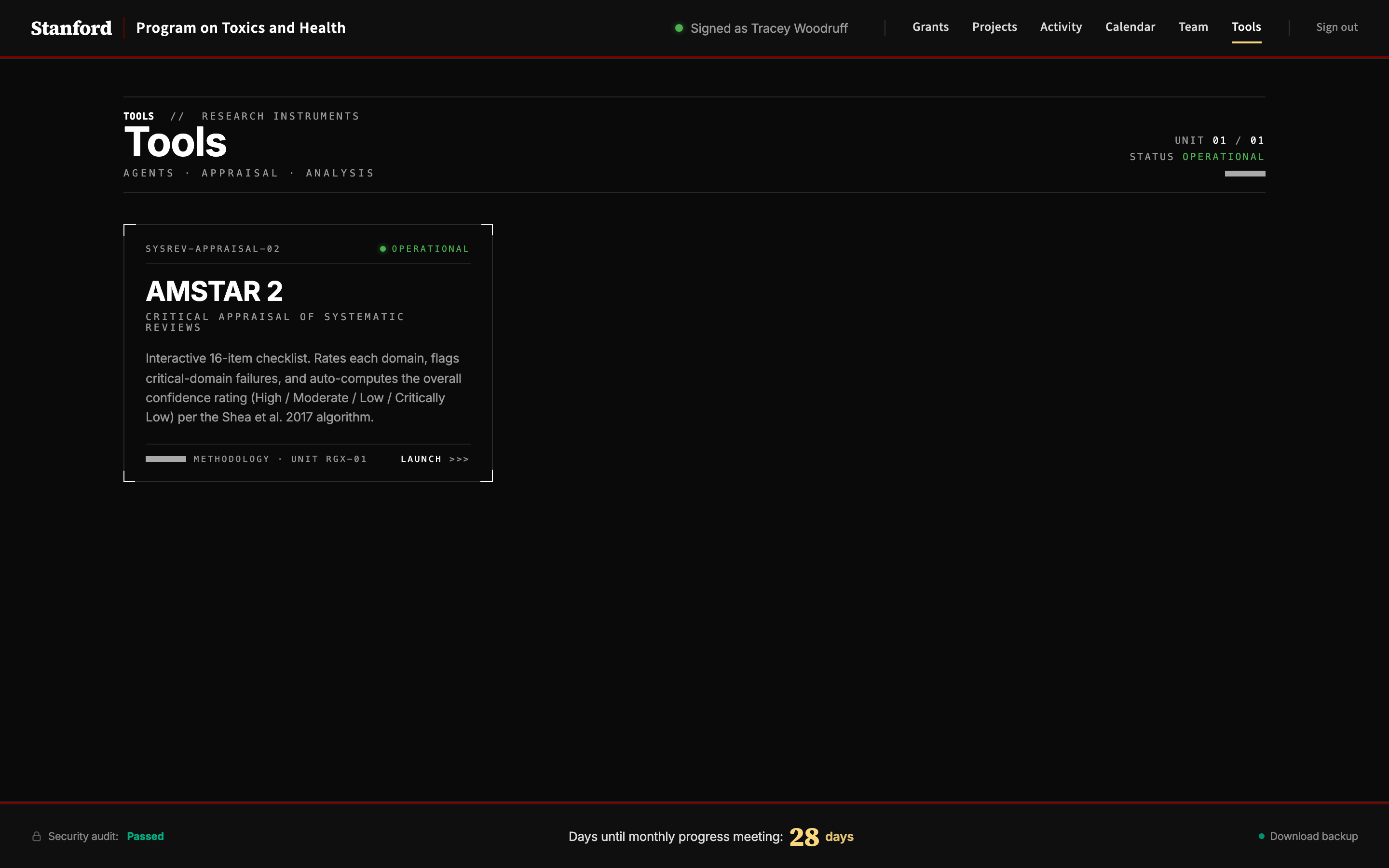
Specialized research instruments. The AMSTAR-2 tool runs an interactive critical appraisal of a systematic-review PDF against the Shea et al. 2017 rubric. New tools get added here as the lab needs them.